CasePeer + AnswerConnect.
Every PI lead captured. Every intake in CasePeer




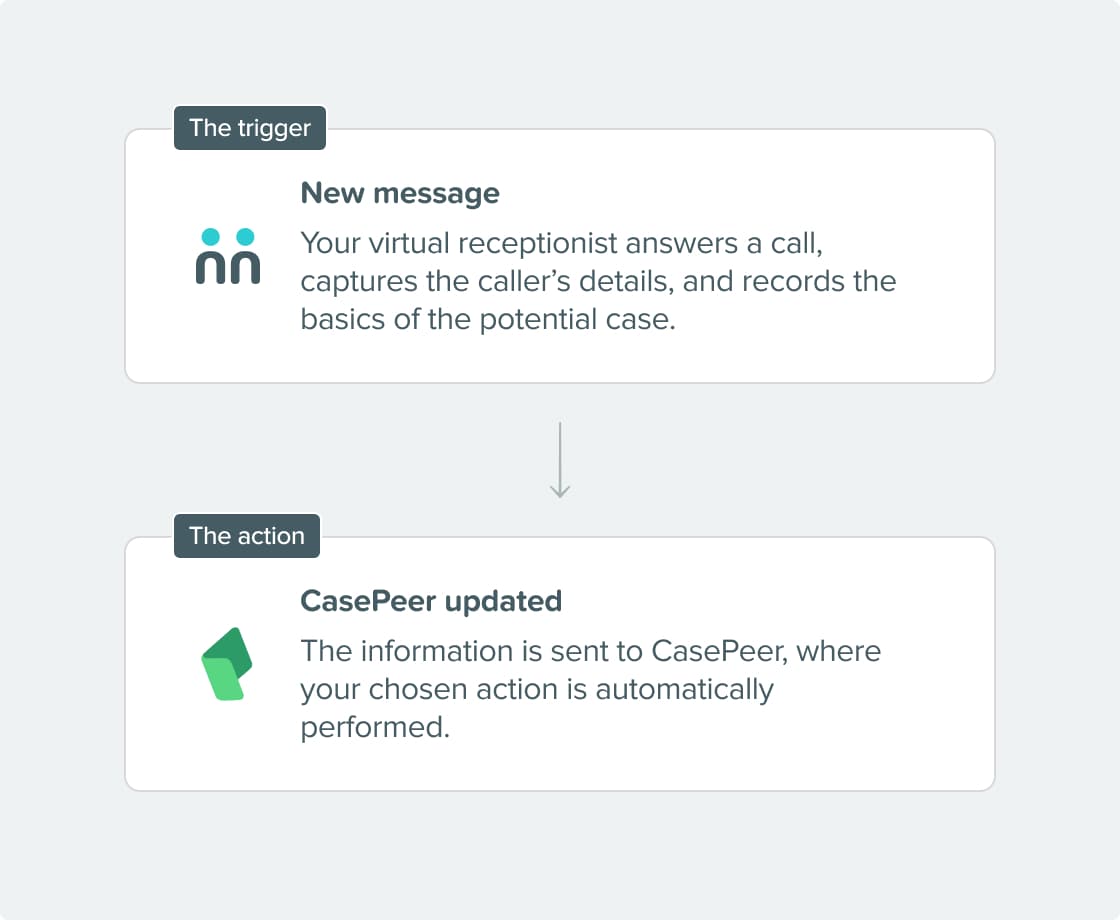

What can the integration do?
- Find or create a contact: CasePeer looks for an existing contact before creating a new one and updates your records with the latest caller information.
- Create or update a case/intake: Open a new potential case or update an existing one directly from call information, including key intake details about the incident.
- Attach call notes to a case: Add structured call notes and updates to the appropriate case so your team has a complete communication history on every matter.
- Route new matters into the right workflow: Use call and intake details to route new PI matters into the appropriate CasePeer pipelines and workflows for faster follow-up.
Why integrate?
Get connected in three simple steps.

Choose your integration.
In Zapier, set up AnswerConnect as the trigger app and CasePeer as the action app.

Configure your actions.
Pick the CasePeer actions you want to run and map your AnswerConnect script fields to the matching CasePeer fields.

We take care of the rest.
Once you’ve tested your Zap, every completed call will automatically update CasePeer according to the rules you’ve set.

Already a customer?
Activate the integration now from your app.
Your questions answered.
Can't find the answer to your question? Call us now: 800-700-8888 or email us at sales@answerconnect.com


Learning, Sharing & Giving Back.
These are the values of AnswerConnect. Here is a book we think you might like.

The Effortless Experience.
Matthew Dixon, Nick Toman & Rick DeLisi
Customers value ease over delight. Reducing friction and effort in every interaction is what drives satisfaction and long-term loyalty.