Filevine + AnswerConnect.

Calls answered, projects opened, and casefiles updated automatically.

Trustpilot
AnswerConnect x Filevine
2026 Best Answering Service voted by
Forbes banner
How it works

How does the Filevine integration work?

Filevine is a modern case and project management platform designed for law firms and legal teams that handle many cases.

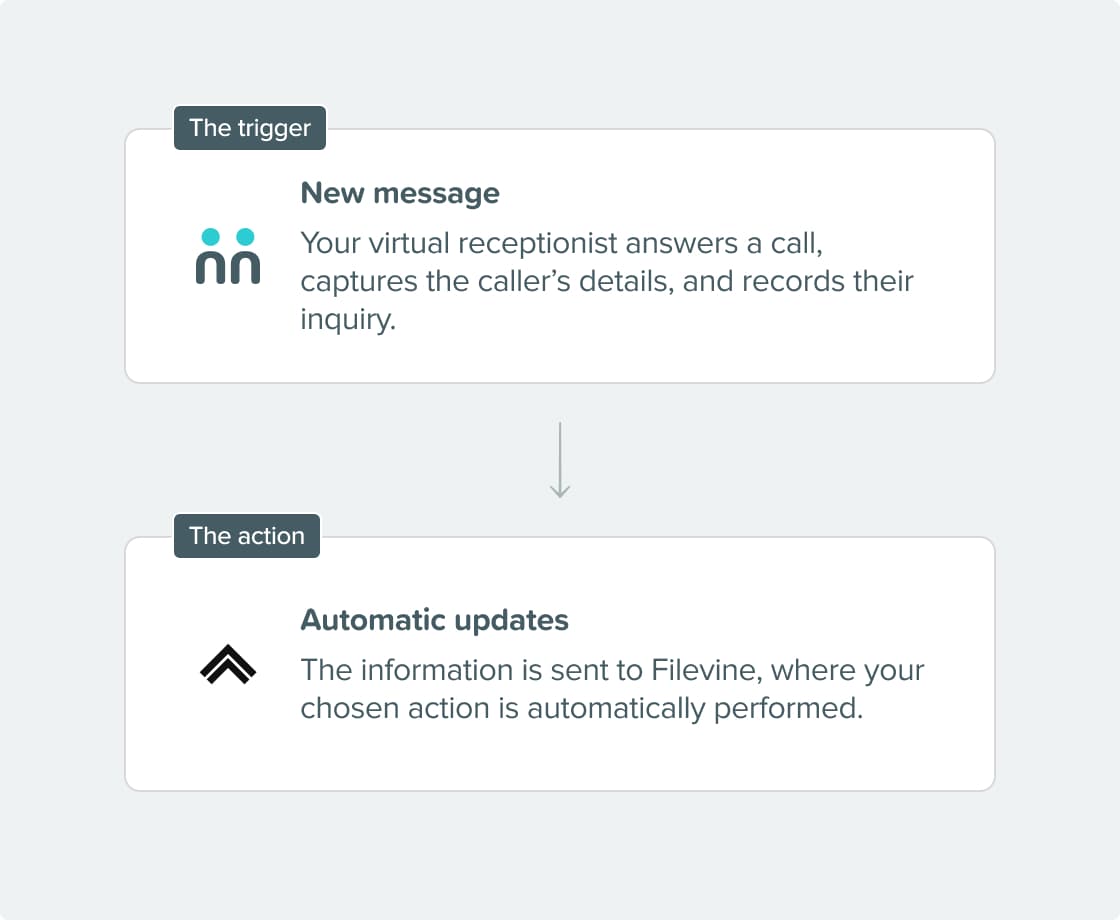
When you connect Filevine with AnswerConnect using Zapier, every call your virtual receptionists take can automatically create contacts, open projects, update forms, and log call data in Filevine. Your case management begins the moment the phone is answered.

Seamless connection.

The AnswerConnect + Filevine integration gives you the power to communicate across platforms with just a click.

To explore how AnswerConnect and Filevine work together, try through Zapier.

Integration Steps
receptionist on call

What can the integration do?

  • Find or create a contact: Filevine looks for an existing contact before creating a new one and updates your records.
  • Find, create, or update a project: Open a new case project or update an existing one directly from call information.
  • Create a collection item: Add a new item to a specific collection within an existing project.
  • Update a collection item: Update existing collection items with new information from the call.
  • Forms: Fill out or update a Filevine form within an existing project using call data.

Why integrate?

Case management priortized.

Every detail your receptionist captures is sent to Filevine as soon as the call ends. Your team can start work right away.

Eliminate manual data entry.

Manually moving call notes into contacts, projects, and forms takes time and can lead to mistakes. This integration removes that step completely.

Every call captured at any hour

AnswerConnect answers calls 24/7. A professional receptionist captures the inquiry and logs it in Filevine, ready for your team when the workday starts.

Keep complex matters organized.

The integration ensures that every inbound call, whether a new inquiry or an update on an existing matter, is accurately added to the correct project, collection, and form.

Get connected in three simple steps.

step-1

Choose your integration.

Set up your Zap in Zapier with AnswerConnect as the trigger app and Filevine as the action app.

step-2

Configure your actions.

Select the Filevine actions you want to trigger and map your AnswerConnect script fields to the corresponding Filevine fields.

step-3

We take care of the rest.

You’re live. Every call your receptionists complete will trigger your chosen Filevine actions automatically.

AnswerConnect Icon

Already a customer?

Activate the integration now from your app.

Your questions answered.

Can't find the answer to your question? Call us now: 800-700-8888 or email us at sales@answerconnect.com


receptionist on call

Learning, Sharing & Giving Back.

These are the values of AnswerConnect. Here is a book we think you might like.

measure what matters book cover

Measure What Matters.

John Doerr

Clear goals mean nothing without visibility. When outcomes are defined and tracked, focus sharpens, progress accelerates, and what truly matters gets done.