Mailchimp + AnswerConnect.
Every call answered. Every caller joining your audience.




What is the Mailchimp + AnswerConnect integration?
Mailchimp is an email marketing tool that helps any business create, send, and track campaigns. It makes it easier to grow your audience and connect with more people.
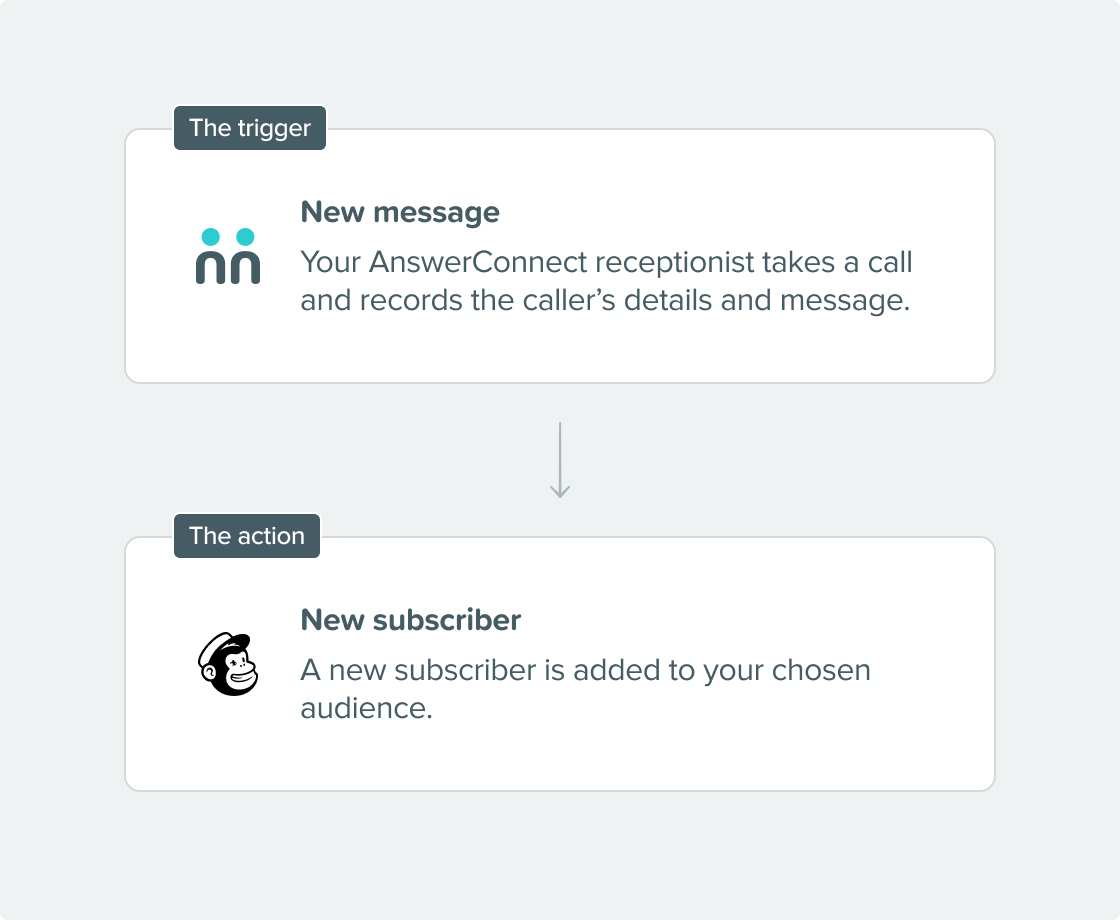
When you link Mailchimp with AnswerConnect, every caller your virtual receptionists speak to is automatically added to your Mailchimp audience after the call. This way, you never miss a contact.
Seamless connection.
The AnswerConnect + MailChimp integration gives you the power to communicate across platforms with just a click.
To explore how AnswerConnect and MailChimp work together, try through Zapier.

What can the integration do?
- Add a subscriber: After each call, the caller can be added as a new subscriber to your Mailchimp audience. They will automatically receive your campaigns, welcome emails, and follow-ups.
- Add or update a subscriber: If the caller is already in your Mailchimp audience, the integration updates their record with the latest details instead of making a duplicate. This helps keep your audience data clean and current.
- You control how subscriber records are created: When you set up the integration, you choose how call data matches your Mailchimp fields, such as first name, last name, phone number, email address, and full address. This way, each subscriber record is complete from the beginning.
Why integrate?
Get connected in three simple steps.

Choose your integration.
Find Mailchimp under Integrations in your AnswerConnect app.

Connect your account.
Enter your Mailchimp API credentials to connect your accounts directly, then map your AnswerConnect script fields to the corresponding subscriber fields in Mailchimp.

We take care of the rest.
You're live. Every call your receptionists complete will automatically add or update a subscriber in your chosen Mailchimp audience.

Already a customer?
Activate the integration now from your app.
Your questions answered.
Can't find the answer to your question? Call us now: 800-700-8888 or email us at sales@answerconnect.com

Start Today
Find the right plan for your business.
Learning, Sharing & Giving Back.
These are the values of AnswerConnect. Here is a book we think you might like.
Hooked.
Nir Eyal
Habits don’t happen by chance. Consistent triggers, simple actions, and rewarding outcomes are what turn occasional use into repeat behavior.