Microsoft Outlook + AnswerConnect.
Connect every call to the way you already work.




What is the Microsoft Outlook + AnswerConnect integration ?
Microsoft Outlook is the primary email and communication tool for millions of businesses. Teams rely on it to manage contacts, calendars, tasks, shared inboxes, and to collaborate.
By connecting Outlook with AnswerConnect, each call your virtual receptionists handle can trigger an action in Outlook. You can automatically create contacts, send emails, add calendar events, route messages to team members, or update records.
Seamless connection.
The AnswerConnect + Microsoft Outlook integration gives you the power to communicate across platforms with just a click.
To explore how AnswerConnect and Microsoft Outlook work together, try through Zapier.
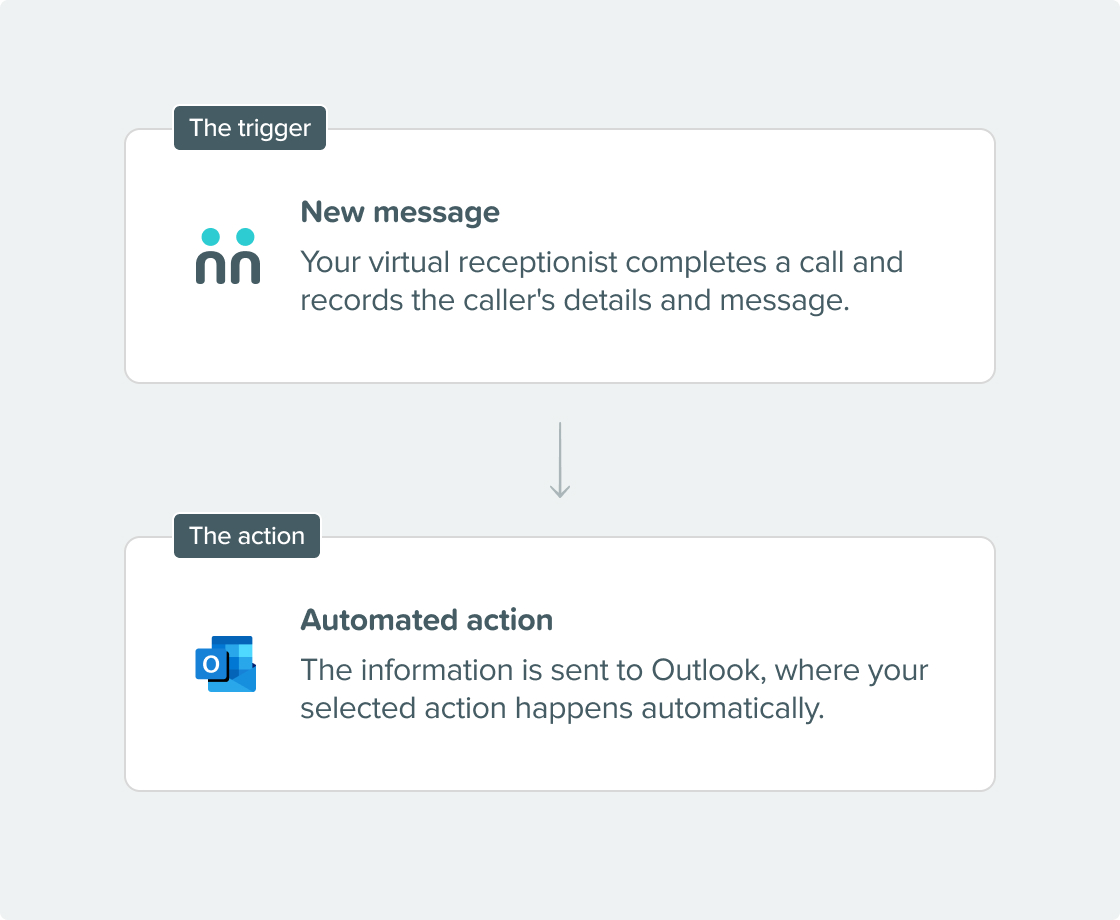

What can the integration do?
- Manage contacts: Create a new Outlook contact from caller details, update an existing contact, or remove outdated entries. This keeps your contact list accurate without extra effort.
- Trigger emails: Send an email, create a draft for review, forward a message to a colleague, or send an automatic reply. This way, callers get a quick response, and your team is notified right away.
- Update your calendar: Create a new event, update an existing appointment, add attendees, or view upcoming events within a date range. This is especially helpful when your receptionists book appointments for you.
- Organize your inbox: Move emails to the right folder, flag messages for follow-up, mark them as read or unread, set categories, assign importance, or route messages to a shared mailbox or a specific team member. right person.
Why integrate?
Get connected in three simple steps.

Choose your integration.
Find Microsoft Outlook under integrations in your AnswerConnect app.

Configure your actions.
Select which Outlook actions you want triggered by a completed call, and map your call script fields to the corresponding Outlook fields.

Go live.
Test your setup and publish it. Every call your receptionists complete will flow into Outlook and trigger your chosen actions automatically.

Already a customer?
Activate the integration now from your app.
Your questions answered.
Can't find the answer to your question? Call us now: 800-700-8888 or email us at sales@answerconnect.com

Start Today
Find the right plan for your business.
Learning, Sharing & Giving Back.
These are the values of AnswerConnect. Here is a book we think you might like.
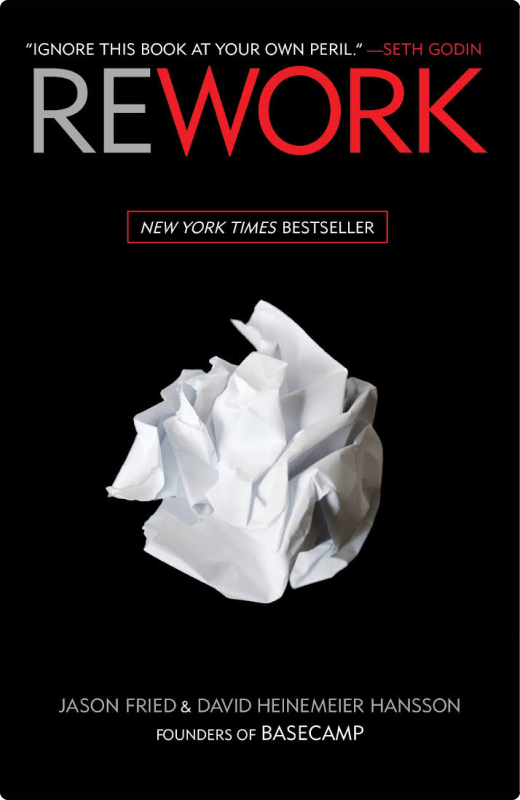
Rework.
Jason Fried & David Heinemeier Hansson
Work doesn’t need to be complex to be effective. Cutting out unnecessary processes creates space for faster decisions and better execution.