Trello + AnswerConnect.
Your calls answered. Your tasks created. Your team ready to act.




What is the Trello + AnswerConnect integration?
Trello is a visual project management tool that helps people and teams organize work, track tasks, and keep projects moving
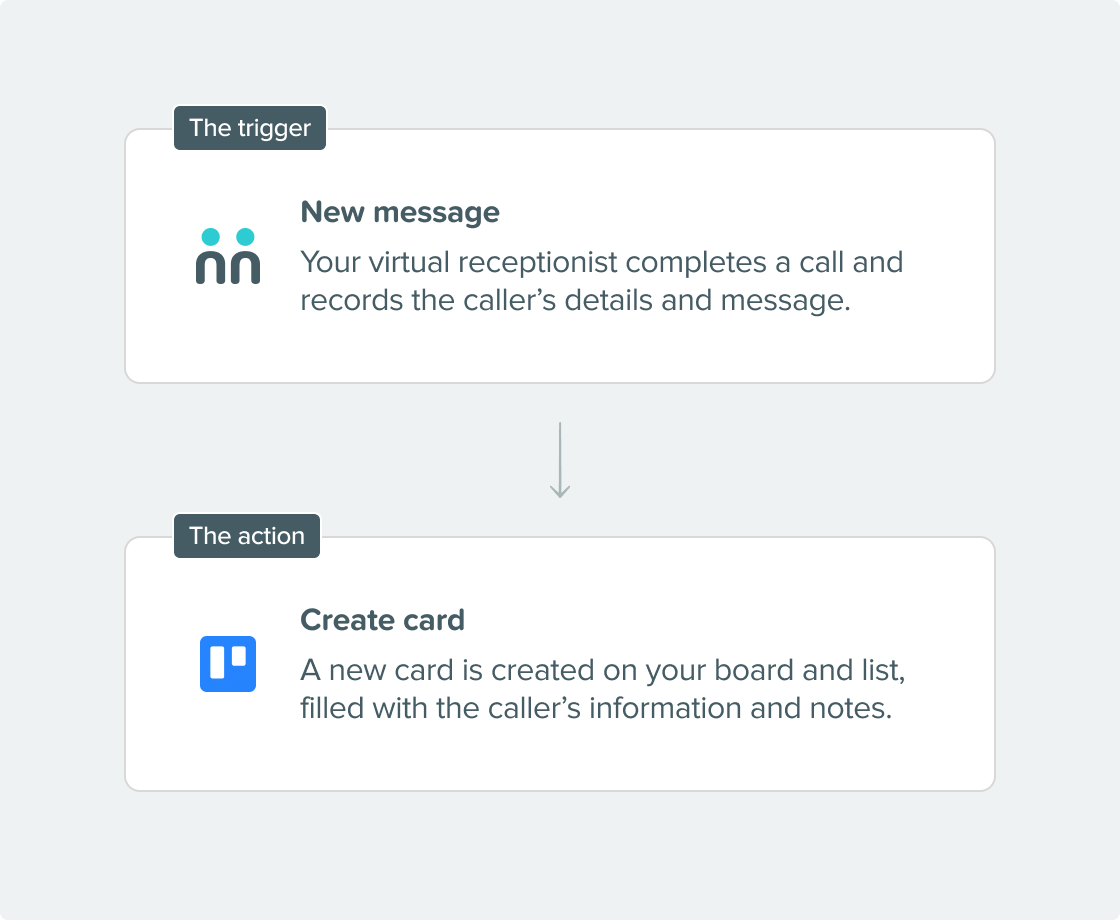
When you connect Trello with AnswerConnect, every call your virtual receptionists handle can automatically create a new card on your chosen board.
Seamless connection.
The AnswerConnect + Trello integration gives you the power to communicate across platforms with just a click.
To explore how AnswerConnect and Trello work together, try through Zapier.

What can the integration do?
- Create a card: Every completed call message becomes a new Trello card on the board and list you choose. The card is automatically filled with the caller’s name, phone number, email address, and the notes your receptionist took. This gives your team everything they need to follow up.
- Update a card: If a caller is already in your Trello workflow, the integration can update their existing card with new information from the call. This keeps your board accurate and avoids duplicate entries.
- You control how cards are set up: When you configure the integration, you decide how call data maps to your Trello cards. You can set the card name, description, list, assigned board members, label color, and whether it appears at the top or bottom of the list.
Why integrate?
Get connected in three simple steps.

Choose your integration.
Find Trello under Integration in your AnswerConnect app.

Configure your board.
Connect your Trello account and choose the board, list, and card fields you want populated with call data. Map your AnswerConnect script fields to the corresponding Trello card fields.

Go live.
Test your setup and publish it. After that, every call your receptionists complete will automatically create or update a card in Trello.

Already a customer?
Activate the integration now from your AnswerConnect app.
Your questions answered.
Can't find the answer to your question? Call us now: 800-700-8888 or email us at sales@answerconnect.com

Start Today
Find the right plan for your business.
Learning, Sharing & Giving Back.
These are the values of AnswerConnect. Here is a book we think you might like.

Rework.
Jason Fried & David Heinemeier Hansson
Work doesn’t need to be complex to be effective. Cutting out unnecessary processes creates space for faster decisions and better execution.